
How to Register Your Group
If you're registering 3 or more colleagues for the Fiberglass Mat Technology Forum, group registration lets you purchase multiple passes at once and invite your team to complete their own details. This guide walks you through the process from purchase to check-in.
Note: As the group manager, you will not be automatically registered as an attendee through this process. You will need to add yourself as a group member or register individually as an attendee.
Already signed up? Login here to manage your group.

STEP 1
Start your group registration
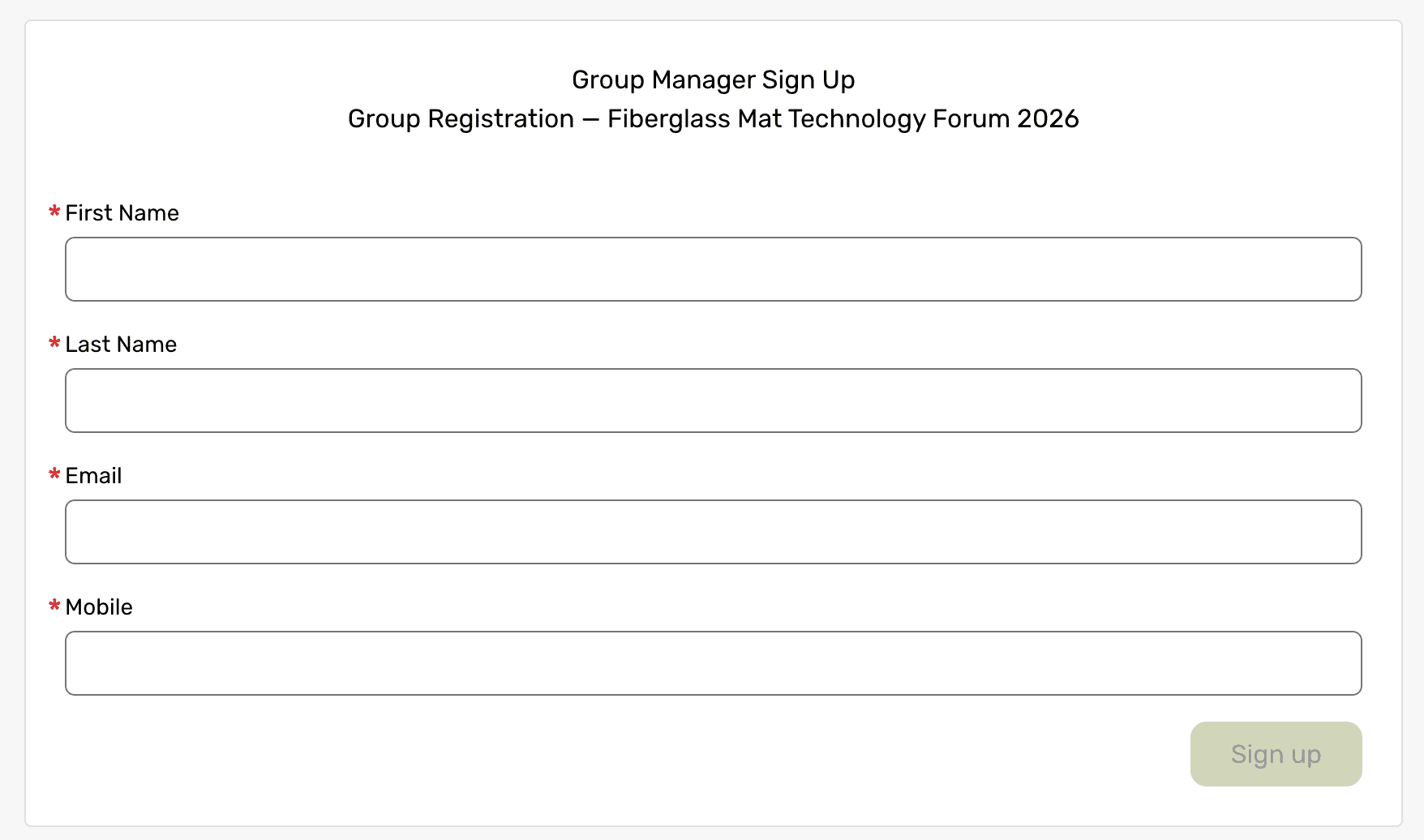
Click the group registration link to begin. Enter your name and email. This sets you up as the group manager, responsible for purchasing and assigning packages to your team.
STEP 2
Choose your package
Select the package that matches the size of your group:
Small Group Package — covers 3 to 5 attendees
Mid-Size Group Package — covers 6 to 8 attendees
Large Group Package — covers 9 or more attendees
Each package equals one attendee, so enter the quantity that matches the number of people you're registering. For example, if you're registering 5 group members, select the Small Group Package and set quantity to 5.


STEP 3
Complete Payment
Once you've selected your packages and quantities, proceed to checkout to complete payment. Your packages will be ready to assign immediately after your payment is confirmed.
STEP 4
Invite your group members
After checkout, you'll land on the Assign & Manage page. Here you'll see each package you purchased along with how many spots are still available. Click Invite next to a package, enter your colleague's name and email, and they'll receive an email with a personalized link to complete their own registration.
Repeat this for each member of your team until all your purchased packages are assigned.

STEP 5
Track your team's responses
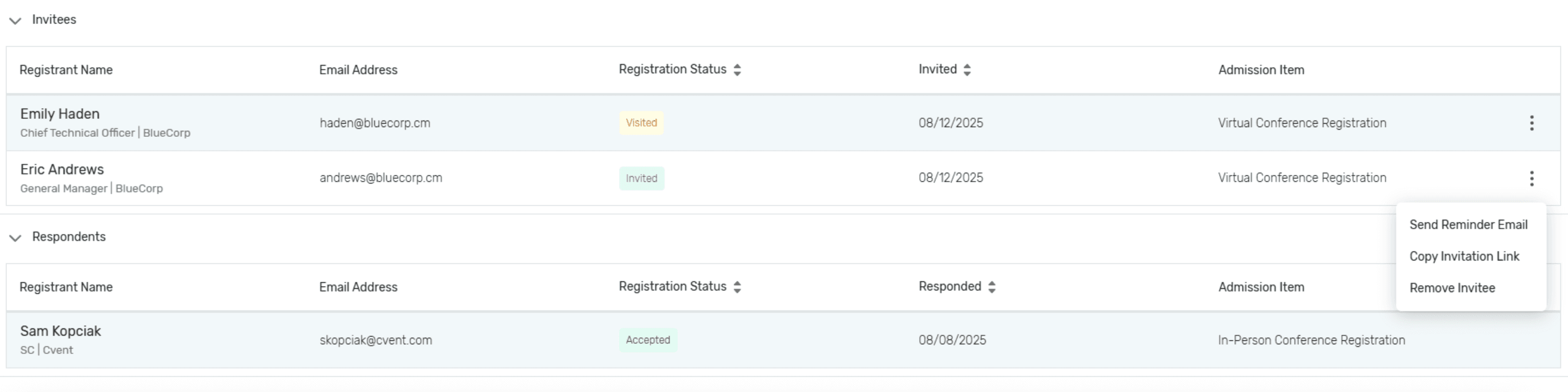
As your invitations go out, you can monitor their status right from this same page:
Invited means the invitation has been sent but your colleague hasn't completed their registration yet.
Accepted means they've finished registering and are confirmed for the forum.
You can return to this page anytime to check progress, resend invitations, or see who still needs to register.
Questions about group registration? Contact us at support@tappi.org and we'll help get your team registered.